
Summary
Your Personal Calendar (My Schedule / To-Do List) in BuilderPal shows every task, action, and deadline assigned to you across all projects in one private view.
Prerequisites
Role or permission needed: Any team member (always available)
Setup required: Log in to BuilderPal
Steps
1. Open Your Personal Calendar
From the left sidebar, click To-Do List.
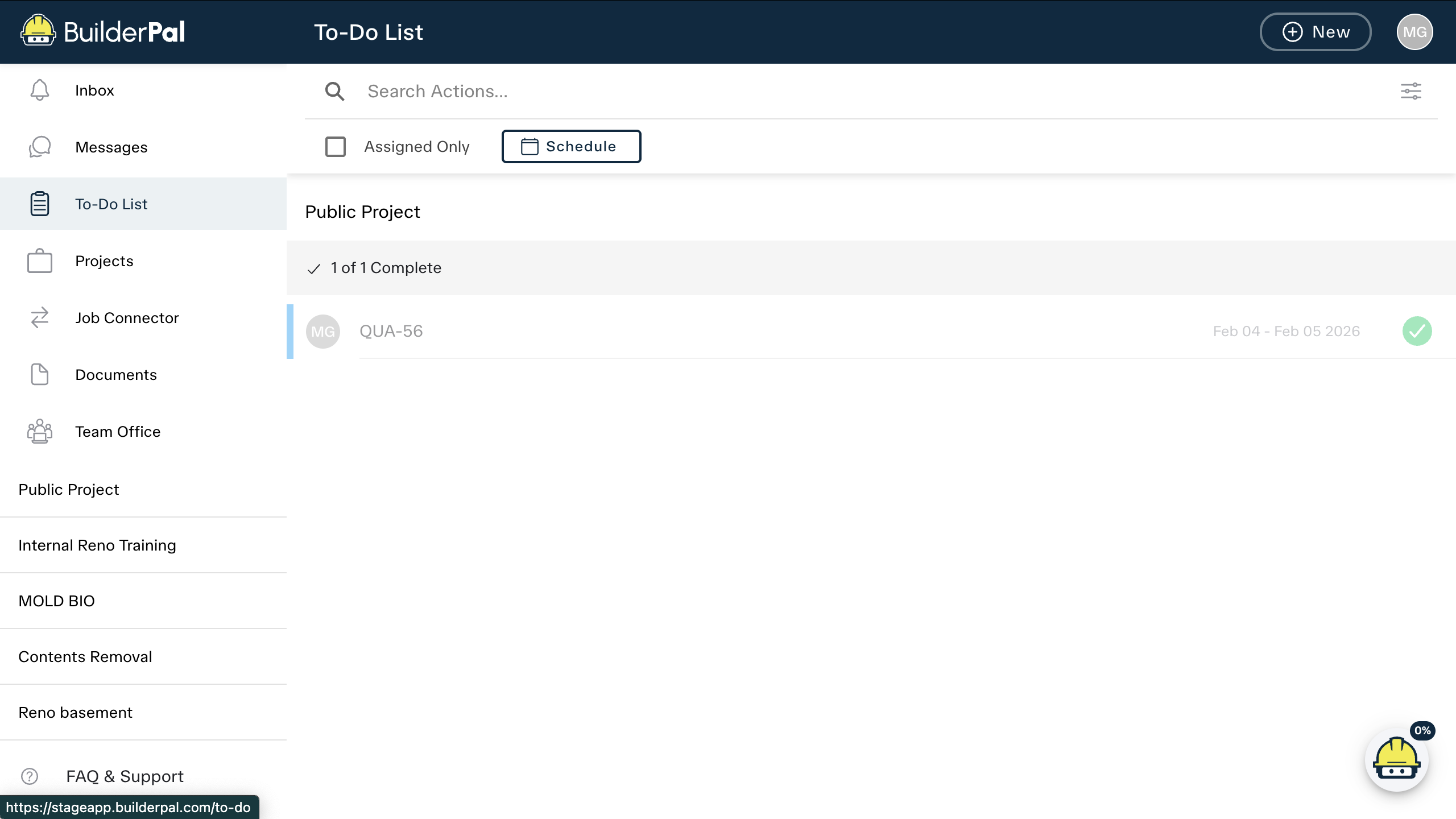
2. Switch to Schedule View
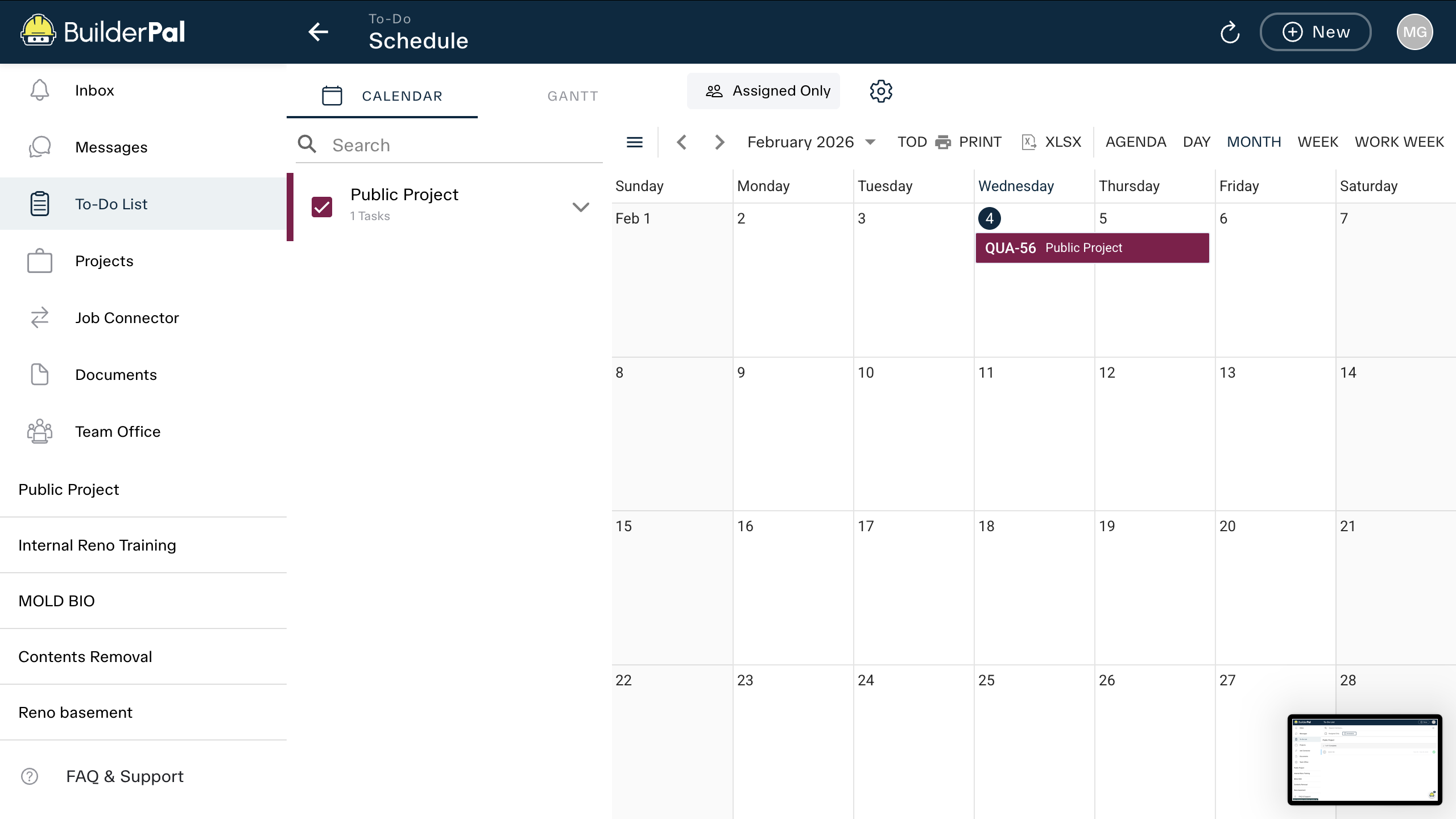
3. View Tasks Across All Projects
All tasks assigned to you appear here with due dates, project names, and status.
This view is completely private to you.
Tips
Pro tip: Use the Assigned Only toggle to hide tasks you’re not directly assigned to.
Shortcut: Bookmark the To-Do List page for quick access from any device.
FAQ
Is this visible to my team?
No — your personal calendar is completely private to you.
Can I sync it with Google Calendar?
Yes — export your schedule as an .ics file from the Schedule view.